


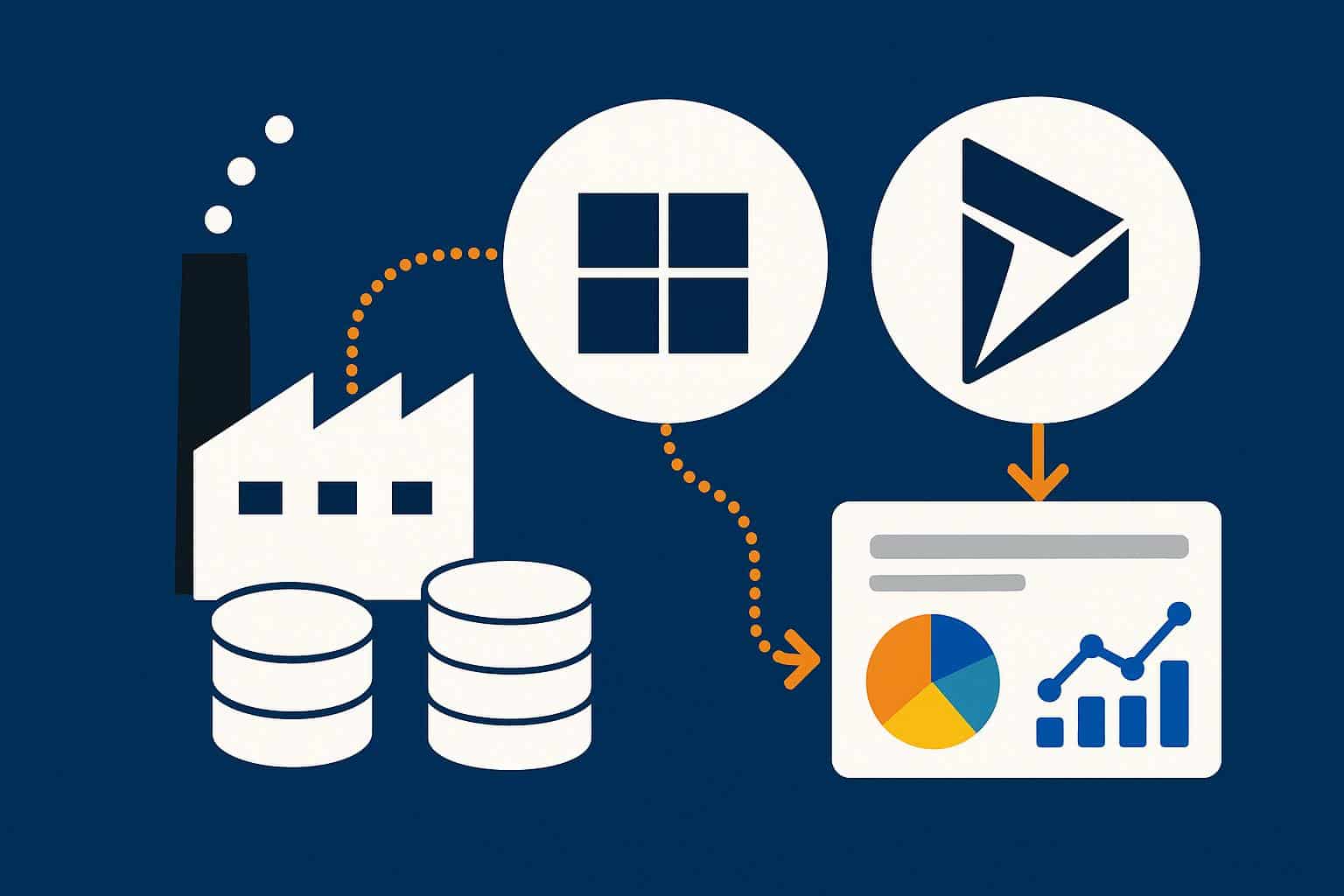
CRM data is only as useful as the speed and clarity with which it can be interpreted. For organizations running Microsoft Dynamics 365 CRM, the gap between raw sales data and boardroom-ready insights has historically been wide; filled with delayed refreshes, siloed exports, and manual dashboards. Microsoft Fabric data engineering is closing that gap faster than most IT teams anticipated.
When Microsoft unveiled Fabric as a unified analytics platform in 2023, it was marketed as a data engineering and BI convergence play. A year into real-world deployments, it is becoming clear that Fabric’s most immediate enterprise impact is landing inside CRM environments, specifically in how businesses query, consolidate, and visualize Dynamics 365 CRM reporting data. This blog breaks down how that transformation actually works, what it means for organizations running Dynamics 365, and why the shift from legacy reporting to Fabric-native pipelines is not just a technical upgrade but a business strategy decision.
- 73% of CRM data goes unused due to poor reporting infrastructure (Forrester, 2024)
- 3× faster query performance reported post-Microsoft Fabric implementation (Microsoft, 2024)
- $12.9B Microsoft’s projected Fabric + Power BI TAM by 2028 (IDC, 2024)
The Reporting Problem Inside Dynamics 365 CRM Environments
Most mid-to-enterprise organizations running Microsoft Dynamics 365 CRM are not short on data. They generate enormous volumes of it; from lead pipeline movements and opportunity stage changes to customer service case histories and marketing attribution signals. The challenge has never been data volume. It has been data velocity and data coherence.
Traditional Dynamics CRM reporting frameworks leaned heavily on tools like SSRS (SQL Server Reporting Services), FetchXML, and Power BI connected to Dataverse via direct query. These setups functioned adequately when datasets were small and reporting demands were periodic. As organizations scaled their Dynamics 365 usage and layered on modules like Sales, Customer Service, and Marketing, these legacy architectures began to show structural strain.
Reports refreshed on 24-hour cycles. Cross-entity joins slowed dashboards to a crawl. Finance teams waiting for pipeline reports that depend on ERP data had to reconcile across separate systems manually. The demand for real-time, cross-functional visibility outpaced what classic Dynamics 365 reporting tools were architected to deliver.
This is the environment that Microsoft Fabric data engineering was designed; in part to address.
What Microsoft Fabric Data Engineering Actually Means for CRM Teams
Microsoft Fabric is a unified SaaS analytics platform that combines data engineering, data integration, real-time analytics, and business intelligence under a single governance and storage model built on OneLake; Microsoft’s multi-cloud data lake architecture.
For teams operating inside Microsoft Dynamics 365 CRM environments, the critical capability is Dataverse link integration with Fabric. Through the Direct Link feature (generally available since late 2023), organizations can stream Dynamics 365 CRM entity data directly into Fabric’s OneLake without building manual ETL pipelines. Tables like accounts, contacts, opportunities, cases, and activities become queryable as Delta Lake tables; updated near-real-time, accessible by Fabric’s full suite of analytics workloads.
What this changes in practice:
- Data latency drops from hours or days to minutes. CRM entities sync continuously rather than on scheduled exports.
- Cross-system reporting becomes native. A sales pipeline report that previously required a manual join between Dynamics CRM data and Finance ERP tables can now be built as one Fabric notebook or semantic model.
- AI-powered reporting becomes accessible. Fabric’s integration with Microsoft Copilot and Azure OpenAI allows non-technical business users to query their CRM data through natural language.
- Governance becomes centralized. Rather than managing separate data exports and audit trails across Power BI, Azure, and Dynamics, Fabric unifies governance under Microsoft Purview at the OneLake level.
Key Capabilities That Drive Better Dynamics 365 CRM Reporting
1. Lakehouse Architecture for CRM Data
Fabric’s Lakehouse model allows organizations to store structured CRM entity data (accounts, opportunities, cases) alongside unstructured data (emails, call transcripts, support tickets) in a unified Delta Lake format. This matters enormously for comprehensive customer 360 reporting, use cases that classic Dynamics 365 reporting tools simply could not accommodate because they required blending structured transactional records with unstructured interaction history.
2. Real-Time Intelligence for Sales and Service Teams
With Fabric’s Real-Time Intelligence workload, organizations can build event-driven pipelines from Dynamics 365 CRM triggers; a deal moving to Closed Won, a service case breaching SLA, a marketing campaign crossing engagement thresholds and surface these as live operational dashboards. Sales leaders get pipeline velocity metrics in real time, not in the next morning’s report.
3. AI-Powered Reporting Through Copilot Integration
One of the highest-value outcomes of combining Microsoft Fabric data engineering with Dynamics 365 CRM is the enablement of AI-powered reporting through Microsoft Copilot for Fabric. Business users who previously required BI developers to build custom Power BI reports can now type questions like “Show me top 10 accounts by pipeline value in Q3” and receive an auto-generated visual within seconds. This is not a future capability, organizations with Fabric deployed alongside Dynamics 365 are using it in production environments today.
4. Unified Semantic Models Across CRM and ERP
One of the most persistent pain points in enterprise Dynamics 365 environments is the divide between CRM (Sales, Customer Service, Marketing) and ERP (Finance, Supply Chain, Operations) reporting. Finance needs to reconcile invoice data against opportunity pipelines. Operations needs to tie delivery SLAs back to customer satisfaction scores. Fabric’s Direct Lake semantic models allow unified reporting surfaces that pull from both Dynamics 365 CRM and F&O entities without data duplication or cross-system API overhead.
Legacy Dynamics 365 Reporting vs. Microsoft Fabric Data Engineering
| Capability | Legacy Reporting (SSRS / Direct Query Power BI) | Microsoft Fabric Data Engineering |
|---|---|---|
| Data Refresh Frequency | Scheduled (daily / hourly at best) | Near real-time via Dataverse Direct Link |
| Cross-System Reporting | Manual ETL, data exports required | Native multi-source joins in OneLake |
| AI-Powered Reporting | Not available | Copilot NL queries, AI insights built-in |
| Data Governance | Fragmented across tools | Unified under Microsoft Purview |
| Developer Skill Required | SSRS / FetchXML / DAX expertise needed | Low-code via notebooks + Copilot |
| Scalability | Limited by Dataverse API throttling | Scales independently via OneLake |
What to Look for in a Microsoft Fabric Consulting Services Partner
Deploying Microsoft Fabric alongside a live Dynamics 365 CRM environment is not a configuration task; it is an architectural engagement. Organizations considering this move need a Dynamics 365 CRM implementation partner who understands both sides of the equation: the Dynamics data model, Dataverse entity relationships, and CRM customization context on one side; and Fabric workloads, OneLake architecture, and semantic model design on the other.
A qualified Microsoft Fabric implementation services partner brings structured deployment methodology to avoid these traps.
Key evaluation criteria for any Microsoft Fabric consulting services engagement should include demonstrated experience with Dataverse Direct Link configurations, certified expertise in both Dynamics 365 and Fabric workloads, a defined governance framework using Microsoft Purview, and a roadmap that accounts for Copilot AI-powered reporting readiness across user roles.
Firms like DynaTech Systems; a certified Microsoft Dynamics 365 partner with deep CRM implementation expertise have been at the forefront of helping organizations architect Fabric-native reporting environments that extend the value of their existing Dynamics 365 investments. Their work spans initial architecture assessments through to full-scale Microsoft Fabric implementation services deployments, with a specific focus on ensuring that CRM reporting transformations translate into measurable business outcomes; shorter sales cycles, faster service resolutions, and CFO-ready forecasting accuracy.
In A Nutshell
Reporting has always been the weak link in CRM adoption, and for years, Dynamics 365 users worked around it; exports, workarounds, and dashboards that were outdated the moment they loaded. Microsoft Fabric data engineering changes that equation at the foundation level, not just the surface. Sales leaders get numbers they can act on the same morning, not the next day. Finance and CRM data finally live in the same room. And AI-powered reporting through Copilot means the analyst bottleneck; the one where every new report request sits in a queue and starts to dissolve.
Organizations that have already worked with a Dynamics 365 implementation partner to deploy Microsoft Fabric implementation services are not running a pilot anymore; they are running a competitive advantage. For everyone else still on legacy Dynamics 365 reporting tools, the cost of waiting is showing up in slow decisions, missed signals, and forecasts that nobody fully trusts.

Angela Spearman is a journalist at EzineMark who enjoys writing about the latest trending technology and business news.
